Migo: Sell Gift Card
Business
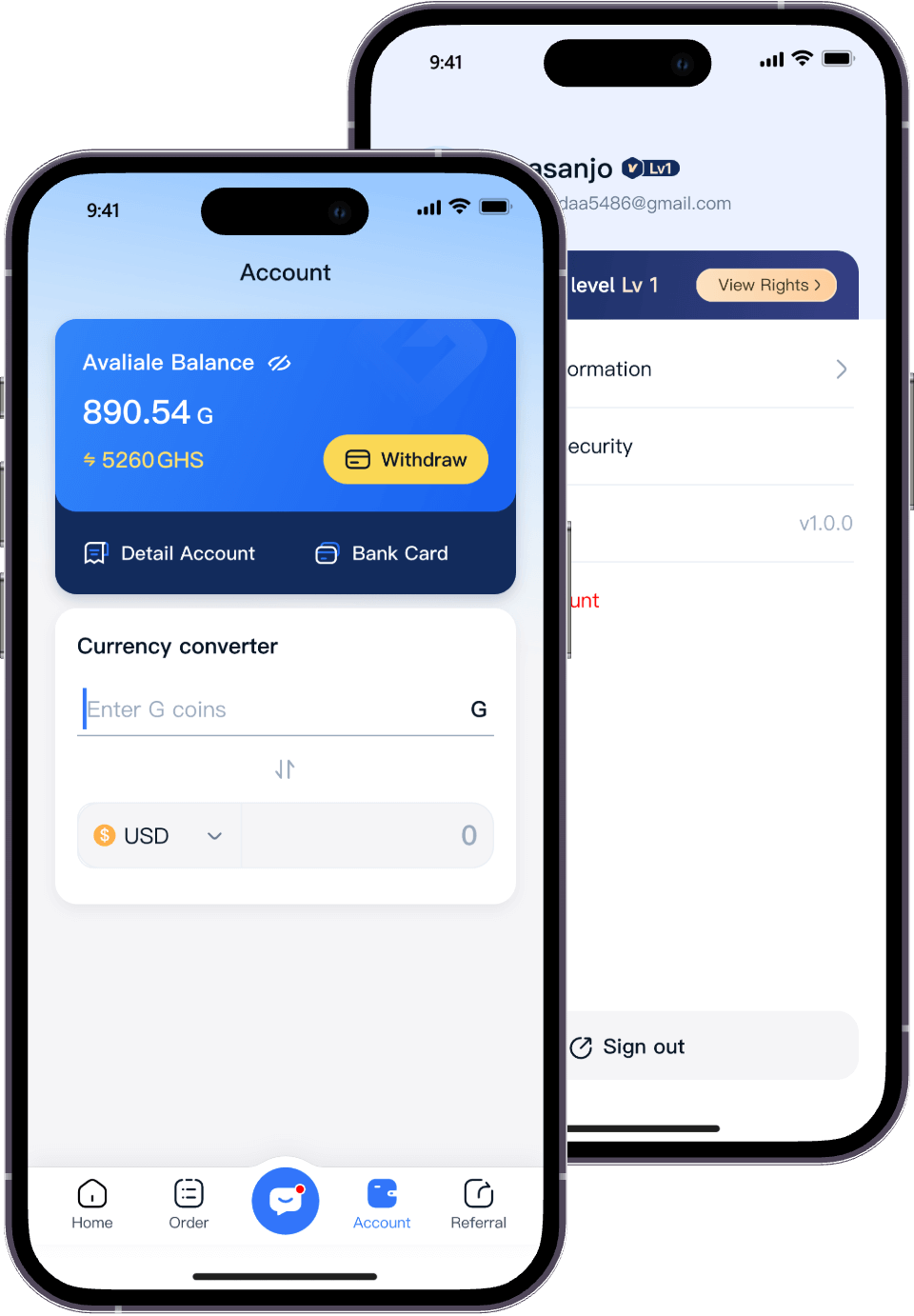
When using the Migo app, we can earn rewards by completing various tasks. So, how do we check how many rewards we've earned after completing a task? Here are the steps to check your reward earnings:
1. Tap the "Account" button at the bottom of the screen.
2. Tap "Detail Account" to view your earned rewards.
Complete more tasks to earn more rewards!