MigoGiftCard

How Nigerians Can Buy and Use Google Play Gift Cards Easily Through Migo-Sell Gift Cards

Google Play Gift Cards are one of the most convenient ways for Nigerians to purchase apps, games, movies, books, and subscriptions on the Google Play Store without needing a credit card. For Android users looking for a safe, fast, and reliable way to access global content, Google Play Gift Cards are the perfect solution. With Migo-Sell Gift Cards, buying Google Play Gift Cards becomes seamless and secure.


What Is a Google Play Gift Card?

A Google Play Gift Card is a prepaid digital code that can be redeemed on the Google Play Store. Once redeemed, the balance can be used to:

  • Buy Android apps and games
  • Purchase in-app items and subscriptions
  • Rent or buy movies and TV shows
  • Purchase eBooks or audiobooks
  • Subscribe to Google Play Pass and other services

Google Play Gift Cards are widely used by Android users to access premium digital content.

Learn more on the official site:
https://play.google.com/giftcards


Google Play Gift Cards are popular in Nigeria because they:

  • Enable secure purchases without a credit card
  • Provide instant digital delivery
  • Support local payment methods
  • Allow access to a wide range of apps, games, and media
  • Are suitable for gifting or personal use

They are especially useful for users who face restrictions on international payments.


Benefits of Buying Google Play Gift Cards Through Migo-Sell Gift Cards

Using Migo-Sell Gift Cards provides several advantages:

1. Instant Delivery

Receive your Google Play code immediately after payment.

2. Secure Transactions

All purchases are encrypted to protect your information.

3. Local Payment Support

Pay conveniently using Nigerian-friendly payment methods.

4. Flexible Denominations

Choose the amount that fits your budget.

5. Perfect for Gifting

Send Google Play credit to friends or family instantly.

For more gift card options, visit:
https://migogiftcard.com


How to Buy Google Play Gift Cards on Migo-Sell Gift Cards

Follow these steps:

  1. Visit Migo-Sell Gift Cards official website
  2. Select “Google Play Gift Card”
  3. Choose your preferred denomination
  4. Complete secure payment
  5. Receive your digital Google Play code instantly

How to Redeem a Google Play Gift Card

Redeeming is simple:

  1. Open the Google Play Store on your Android device or visit https://play.google.com/redeem
  2. Log in to your Google account
  3. Enter your Google Play Gift Card code
  4. Click “Redeem”
  5. Your balance will be added immediately

Once redeemed, you can use your balance to purchase apps, games, subscriptions, and media content.


What Nigerians Commonly Buy With Google Play Gift Cards

  • Mobile games and in-app purchases
  • Apps for productivity, education, and entertainment
  • Movies, TV shows, and digital books
  • Google Play Pass subscriptions
  • Digital gift items for friends and family

Google Play Gift Cards allow Nigerians to access international digital content without credit card restrictions.


Tips for Using Your Google Play Gift Card Wisely

  • Redeem codes immediately after purchase
  • Use for purchases in local currency when possible
  • Take advantage of Google Play promotions and discounts
  • Keep your account secure and monitor balance
  • Use for gifting apps or subscriptions to friends and family

Conclusion

For Nigerians who want secure and convenient access to global Android apps, games, and media, Google Play Gift Cards are the ideal solution. With Migo-Sell Gift Cards, purchasing and redeeming Google Play Gift Cards becomes fast, easy, and safe. Whether for personal use or gifting, Google Play Gift Cards offer flexible and reliable access to digital content.

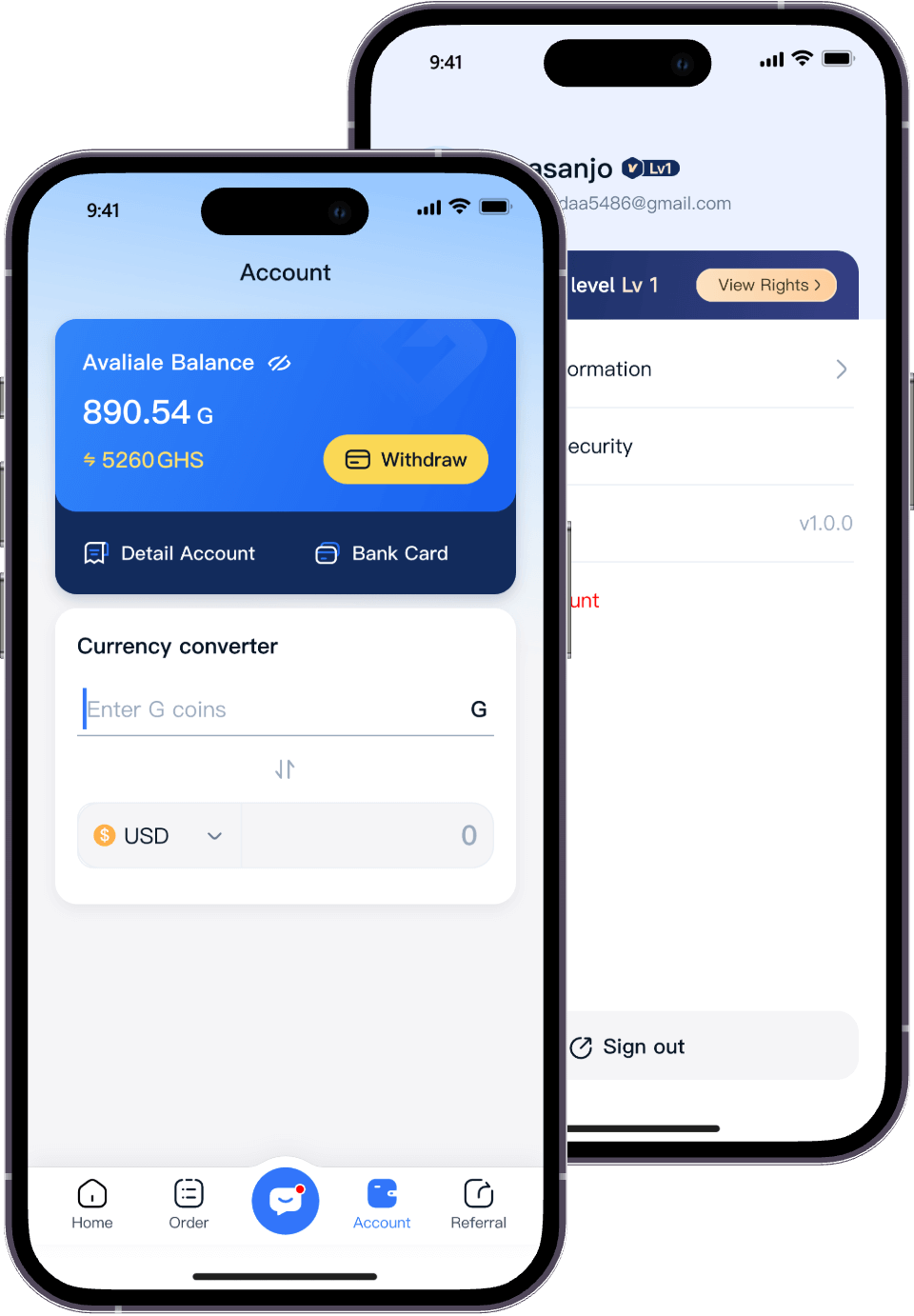
Start Trading to Earn Rewards
Download the Migo app to sell your gift cards
Get the app now:
How Nigerians Can Buy and Use Google Play Gift Cards Easily Through Migo-Sell Gift Cards | Migo