Steam Gift Cards: Where to Buy Safely and How to Convert Them to Cash with Migo (2026 Complete Guide)
Steam Gift Cards are one of the most popular ways to top up a Steam Wallet and purchase games, DLCs, and other digital content. In 2026, they remain widely used across Nigeria, Ghana, and globally. While many people buy Steam Gift Cards for personal use or as gifts, a growing number of users choose to sell unused Steam Gift Cards for cash instead.
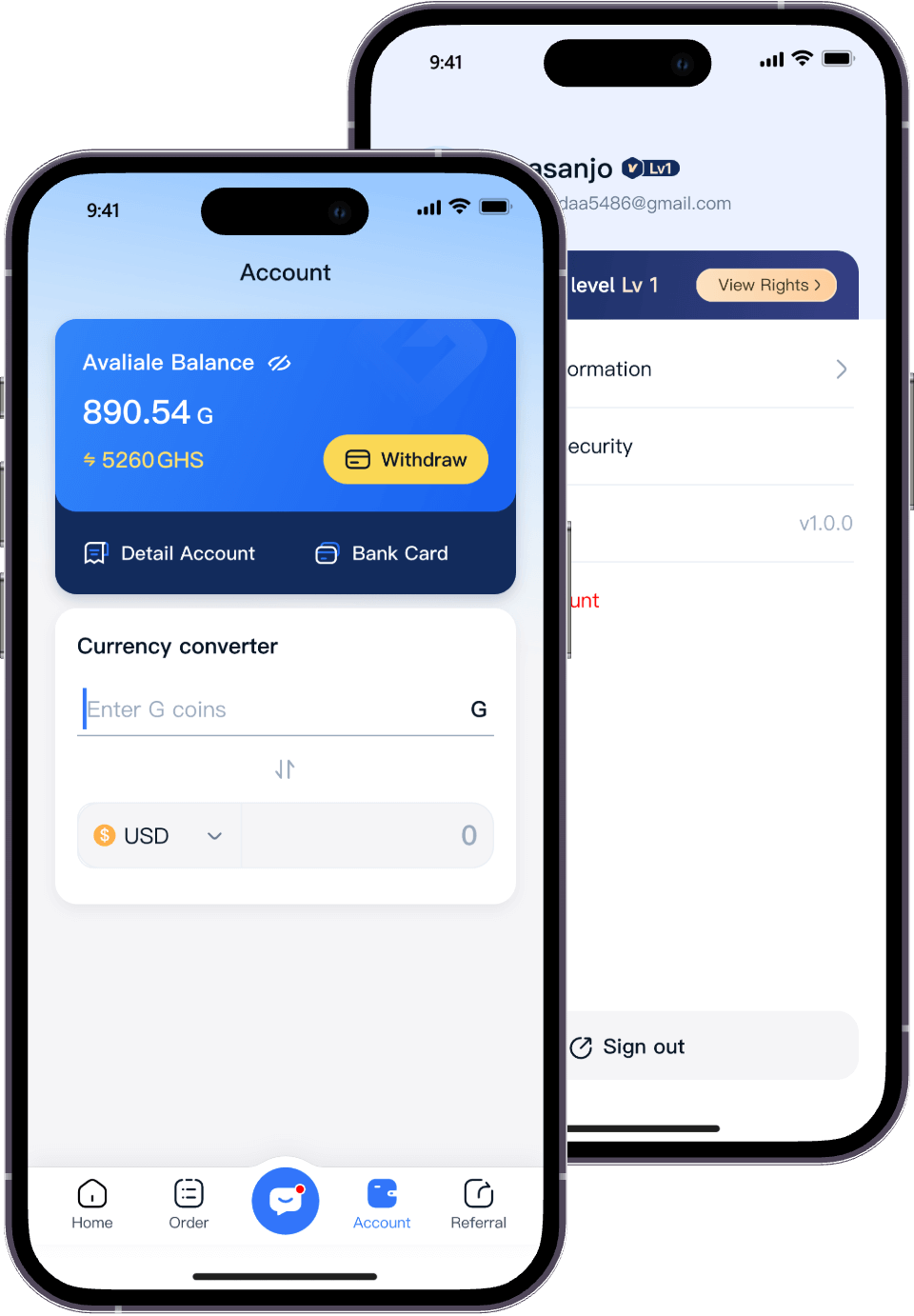
This is where Migo – Sell Gift Cards plays an important role. Migo is a trusted gift card trading platform that offers transparent rates, secure transactions, and fast payouts.
In this complete guide, you will learn:
Where to buy Steam Gift Cards safely
How to redeem and use Steam Gift Cards
How to sell Steam Gift Cards for cash with Migo
A real user case study
Frequently asked questions (FAQ)
Where Can You Buy Steam Gift Cards Online?
When buying Steam Gift Cards online, security and reliability matter more than price. Choosing trusted platforms helps you avoid invalid, stolen, or counterfeit codes.
1. Steam Official Store (Safest Option)
Buy directly from the Steam website or Steam client
Digital gift card codes are delivered instantly by email
Fully backed by Valve, making it the safest option available
This option is ideal for users who want maximum security and immediate delivery.
2. Major Global E-commerce Platforms
Steam Gift Cards are also available on large international retailers such as:
Amazon
Walmart
Best Buy
Target
For best results, always choose official listings or highly rated sellers to minimize risk.
3. Global Digital Gift Card Platforms
Trusted third-party platforms also offer Steam Gift Cards online, including:
Razer Gold – supports multiple currencies and regions
OffGamers – a long-established digital gift card marketplace with instant email delivery
When using third-party platforms, always verify:
Website reputation
Secure payment methods
Clear customer support policies
Tips for Buying Steam Gift Cards Online
Use secure payment methods (credit cards, trusted gateways)
Keep your purchase receipt and confirmation email
Check for region restrictions before buying
Contact support immediately if the code is not delivered on time
Steam Gift Cards: Where to Buy Safely and How to Convert Them to Cash with Migo (2026 Complete Guide)
Where Can You Buy Steam Gift Cards Offline?
If you prefer physical cards or want to pay with cash, Steam Gift Cards are often available at:
Supermarkets
Electronics stores
Game shops
Convenience stores or gas stations (depending on country)
When buying physical Steam Gift Cards:
Make sure the card has not been scratched or exposed
Check that the packaging is sealed
Keep your receipt
How to Redeem and Use a Steam Gift Card
If you decide to use your Steam Gift Card instead of selling it:
Log in to your Steam account
Go to Account Details
Select Redeem a Steam Wallet Code
Enter the code and confirm
⚠️ Important: Once funds are added to your Steam Wallet, they cannot be withdrawn or transferred. This is why many users choose to sell unused Steam Gift Cards before redeeming them.
Do’s and Don’ts When Buying Steam Gift Cards
To protect yourself from fraud and ensure smooth transactions, follow these best practices.
Do’s
Don’ts
Buy from official or well-reviewed retailers
Use unknown websites with poor design or unclear policies
Use secure payment methods like PayPal
Pay via wire transfer or cryptocurrency (non-reversible)
Keep confirmation emails and codes safe
Share your code publicly or post it online
Verify the code works before discarding proof of purchase
Assume the code is valid without testing
Check regional compatibility (some codes are region-locked)
Ignore country restrictions when purchasing
“Always treat digital gift cards like cash—once a code is used, it cannot be refunded, even if shared accidentally.” — James Reed, Cybersecurity Analyst at GameSecure
Where to Buy a Steam Gift Card: Trusted Retailers Overview
Migo – Sell Gift Cards offers a simple, secure way to convert Steam Gift Cards into cash.
The process includes:
Creating a Migo account
Selecting “Steam Gift Card”
Submitting the card details
Receiving payment after verification
Why Choose Migo?
Transparent exchange rates shown before trading
Fast processing and quick payouts
Supports multiple gift card brands, not only Steam
Available for users in Nigeria, Ghana, and globally
Dedicated customer support
Migo is designed not only for gamers, but for anyone who prefers cash over unused digital gift cards.
Real User Case: Selling a Steam Gift Card to Cover Daily Expenses
Daniel, a resident of Lagos, Nigeria, received a Steam Gift Card during the holidays. However, he does not play games and needed money for transportation and household expenses.